
Data brokers are companies that collect and sell your personal information, and auditing these sites is an essential step in anyone's digital footprint analysis, especially if you are conducting it for the first time.
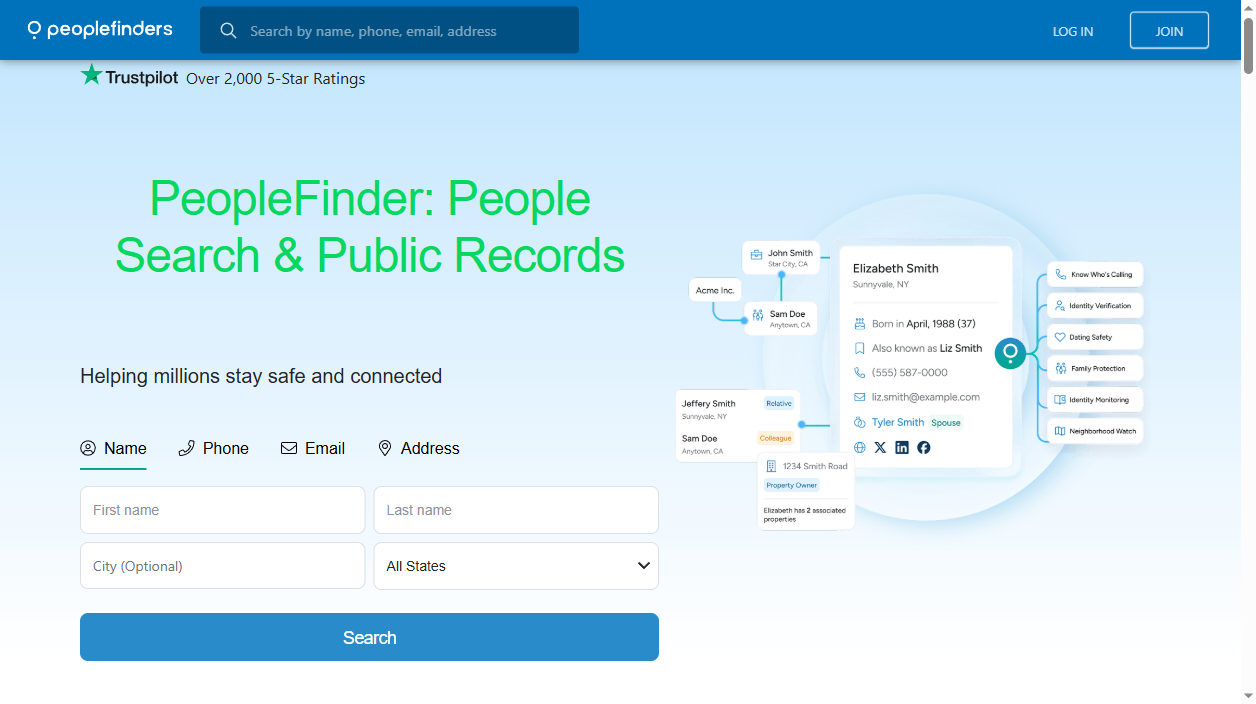
PeopleFinders, a longtime US people search site, compiles data like names, addresses, phone numbers, and public records into profiles. Users can access these profiles and typical listings contain your address history, phone numbers, age, and relatives and link to the background-report teasers offered by PeopleFinders.
The PeopleFinders self-service opt-out, while free, is a two-step process. It begins with a short request form and then requires an email confirmation and another, longer suppression form. This guide walks through the stages and how to handle reappearing profiles.
What information does PeopleFinders publish about you?
- Full name, aliases and age
- Current and past home addresses
- Landline and mobile phone numbers
- Relatives and known associates
- Property, marriage and other public records
- Background-report teasers linked from your profile
Skip the manual work
Don’t want to fill out forms and answer verification calls? AntiBridge removes your data from PeopleFinders and 150+ other brokers automatically.
Start automatic removalHow to opt out of PeopleFinders: step by step
1Find your listing
Search for yourself at peoplefinders.com and add your state and/or city if you have a common name. Open your matching profile and confirm the provided relative information and addresses. You don’t need to pay for the background report to suppress your listing. You just need to identify which profile to suppress.
2Open the opt-out page
Navigate to peoplefinders.com/opt-out and find Public Records Removal, then click "Next" until you arrive at the Removal Request Form.
3Submit the request form
Fill out the Name and email fields, solve the CAPTCHA, and click Send Request. An email is then sent to that address; you need to open that inbox to complete the request.
4Click the email confirmation link
Click on the link provided in the email from PeopleFinders. It expires in 24 hours so you’ll need to act quickly. This link takes you to the Record Suppression Form.
5Complete the suppression form
Complete the Record Suppression Form as accurately as possible to ensure that your listing can be removed. Solve the CAPTCHA and click Submit. Most records are removed from PeopleFinders in a few days, though up to about a week is possible.
6Confirm the listing is gone
Search for yourself a couple of days later. You will need to suppress every listing that appeared in Step 1 (i.e., addresses other than the current one and variations of your name) as this only suppresses the specific record that was submitted.
Quick reference
| Site | Opt-out method | Removal time | Cost |
|---|---|---|---|
| peoplefinders.com | Online form + email verification | 24 hours - 7 days | Free |
What happens after you opt out
PeopleFinders' removal service only suppress from its site; it doesn't remove your data from all of its sources. So if your record reappears after PeopleFinders is updated with new data, a new profile linked to the new data might be created and not included in your earlier opt-out.
Treat PeopleFinders as a maintenance issue and search periodically for yourself, or sign up for a removal service like AntiBridge to monitor and re-file removal requests from PeopleFinders as needed.
Tired of opting out one site at a time?
Data brokers make it easy for scammers, stalkers, and identity thieves to find you. Removing yourself from 150+ sites manually takes weeks – and your information can reappear. AntiBridge handles the removals for you and keeps watch so your privacy stays protected.
Remove my info automaticallyFrequently asked questions
Is the PeopleFinders opt-out free?
Yes, it is free to use the self-service tool on peoplefinders.com/opt-out and you never need to pay them to remove your listing. Be wary of sites that claim they can "unlock" a PeopleFinders removal for money-they are not legitimate.
Why does PeopleFinders send an email before showing the real form?
The initial form is only to confirm that you have access to the email address, but the link within the email is needed to open the Record Suppression Form where you input the specific information required to remove your listing. If you don't click the email link, your data will not be removed.
How long does removal take?
PeopleFinders usually removes listings within 3 days but can take up to a week. Even after it’s removed from PeopleFinders' live search, it might still be cached in Google for some time.
Will opting out of PeopleFinders remove me from other sites?
No, each people-search site operates with its own independent databases and opt-out processes. If you want your information removed from all sites, you will need to opt out from each individual one, or use a service such as AntiBridge to file requests on 150+ data brokers.


